Read offline
Search and browse Scripture, return to your reading position, and keep reflections and reading progress on your device.
 dove
doveA quieter way to study
Know Context, Study & Growth
Read Scripture, explore its context, and make space for reflection—with an offline Bible study experience for iPhone and iPad.
iPhone & iPad · iOS 17 or later
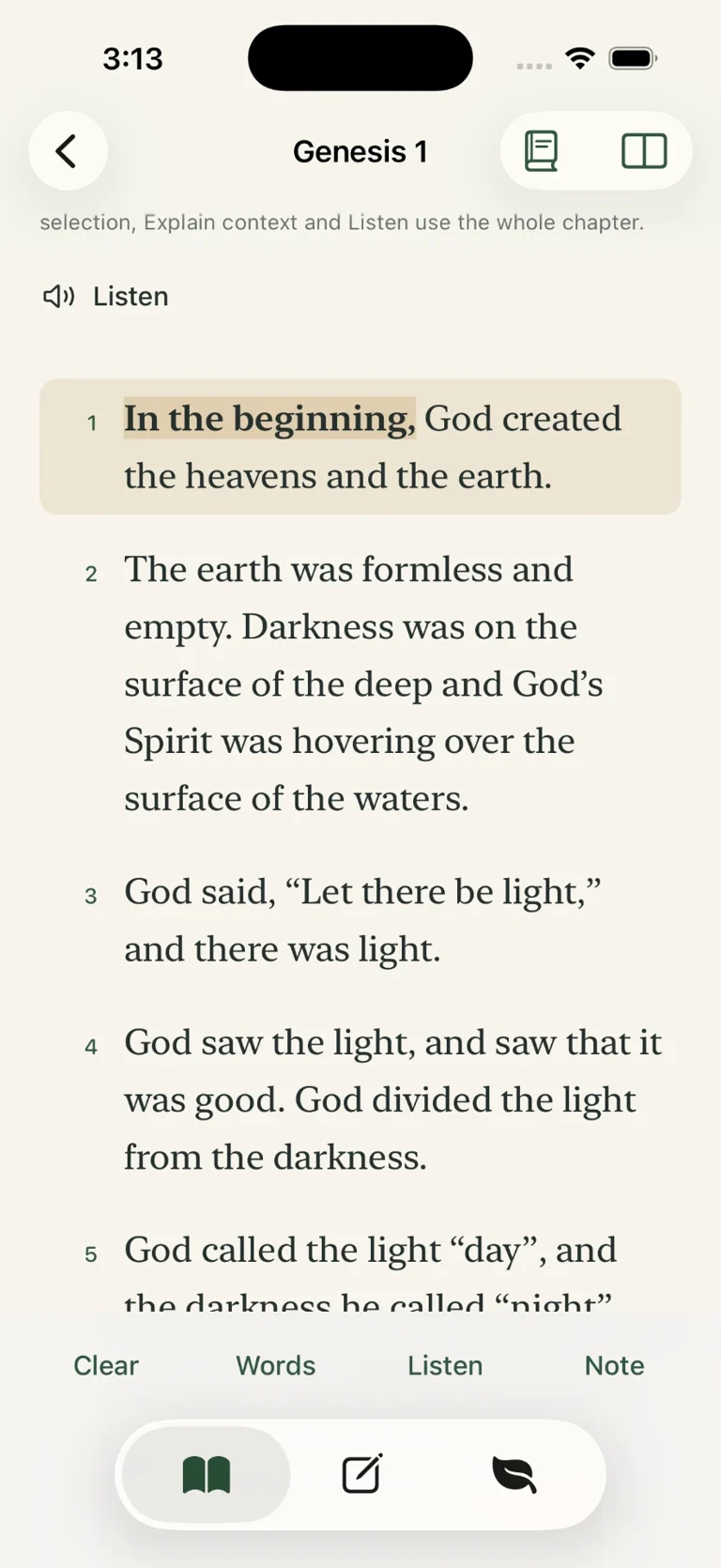
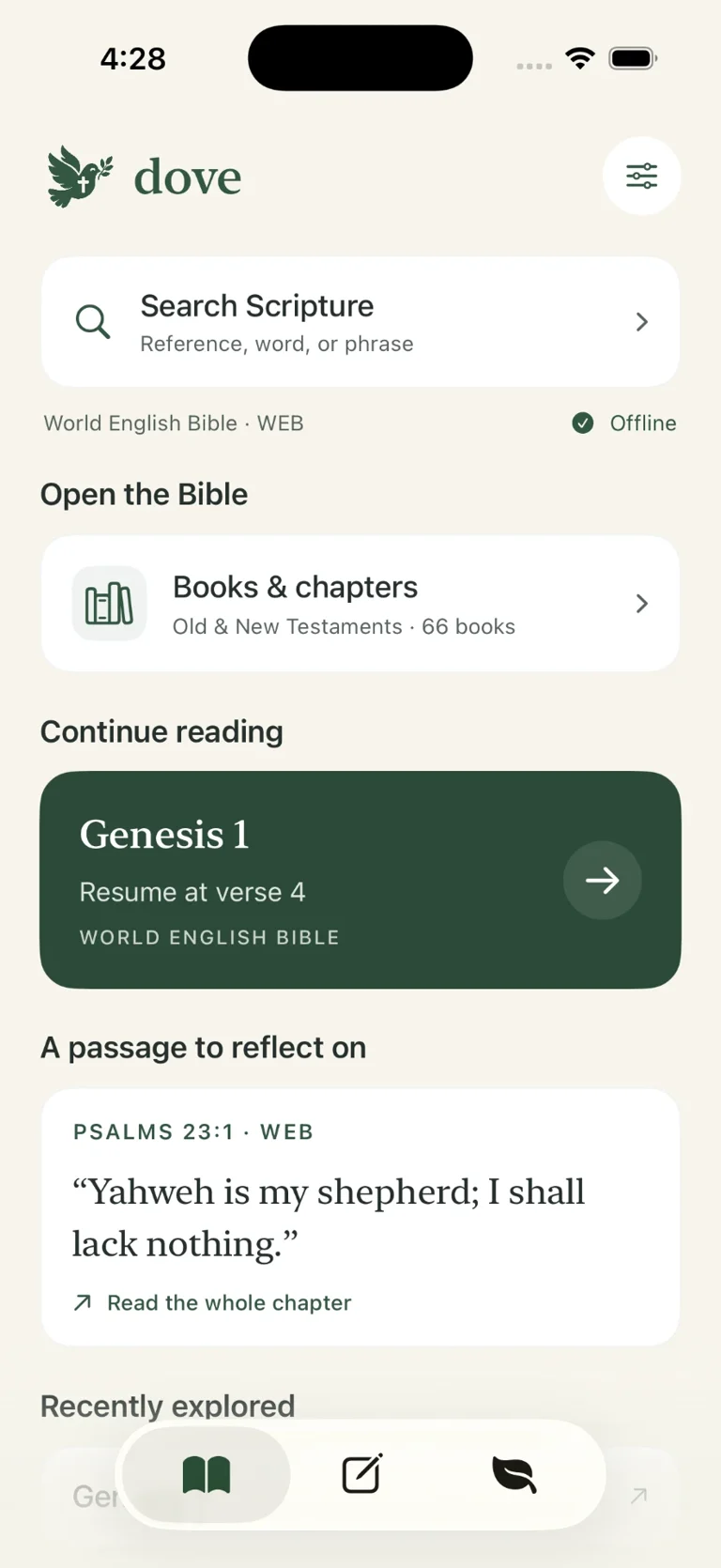
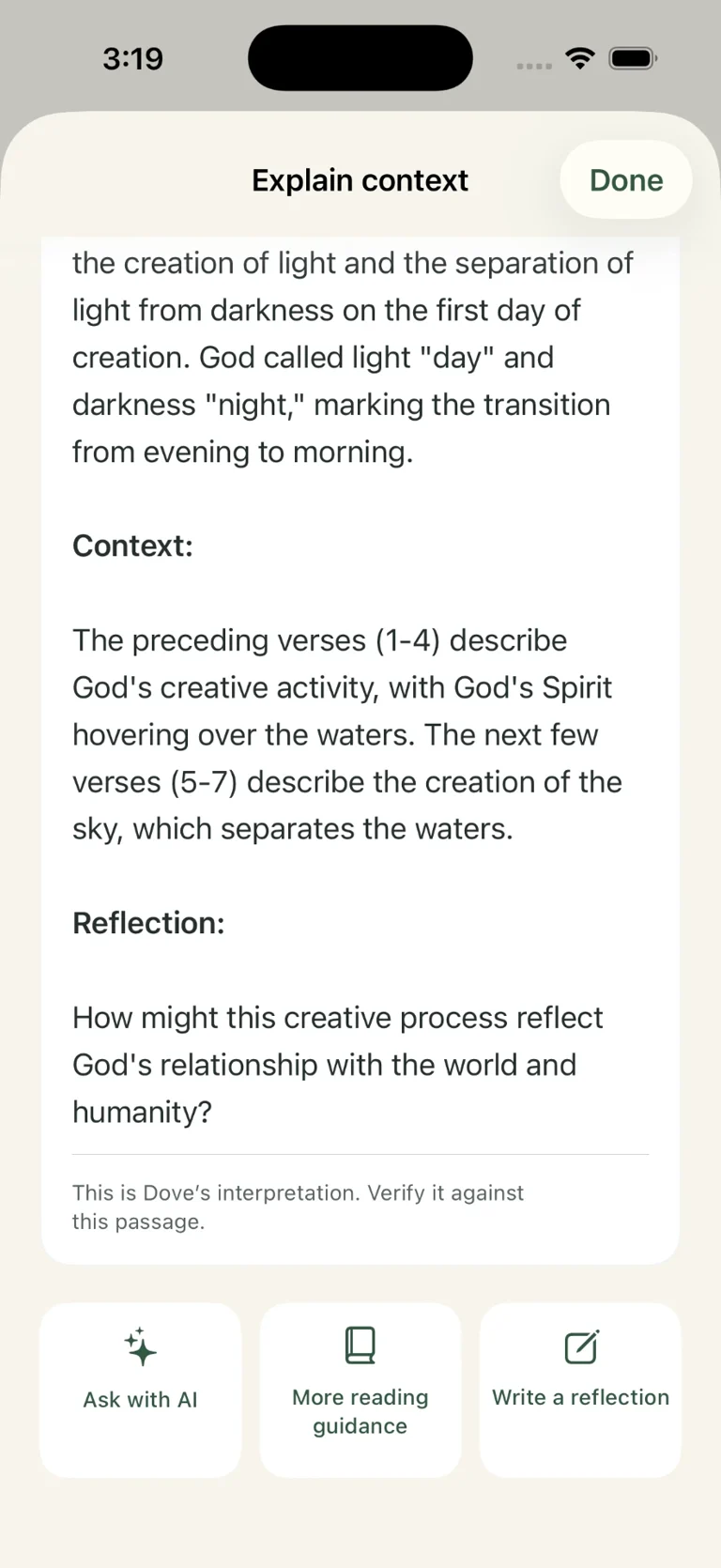
Room for understanding
Search and browse Scripture, return to your reading position, and keep reflections and reading progress on your device.
Explain context works with selected words, selected verses, or the whole chapter. Compatible Apple Intelligence-enabled devices generate explanations locally. Built-in reading guidance remains available when generation is unavailable.
Listen to a phrase, selected verses, or a whole chapter with the bundled English Michael voice. Adjust voice and speed; recent generated audio is cached locally for quicker replay.
Dove’s explanations are interpretations. Verify them against the passage.
Side by side
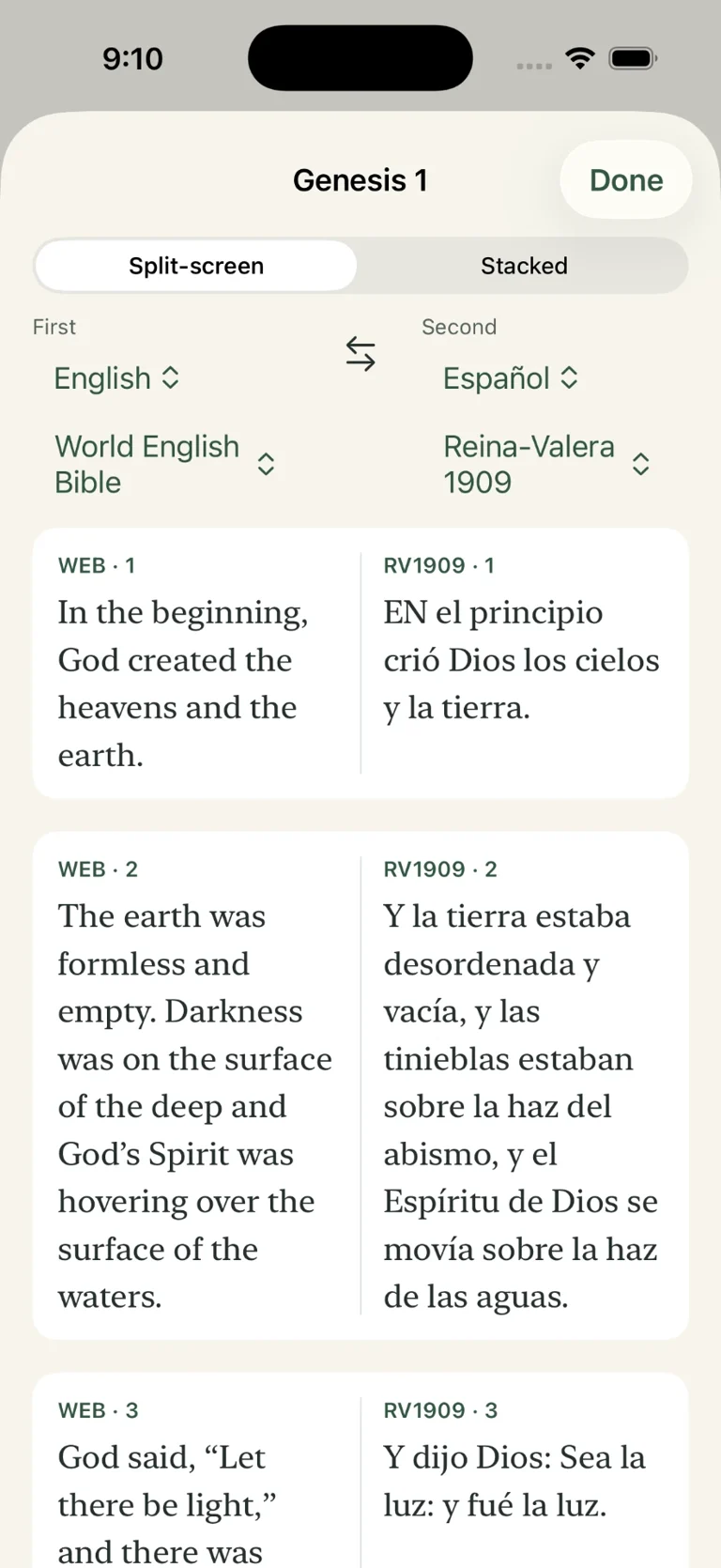
Compare English and Spanish in split-screen or stacked layouts, without leaving the passage.
Reina-Valera 1909 is its own Bible edition, not a Spanish version of WEB or KJV.
Small steps, deeper roots
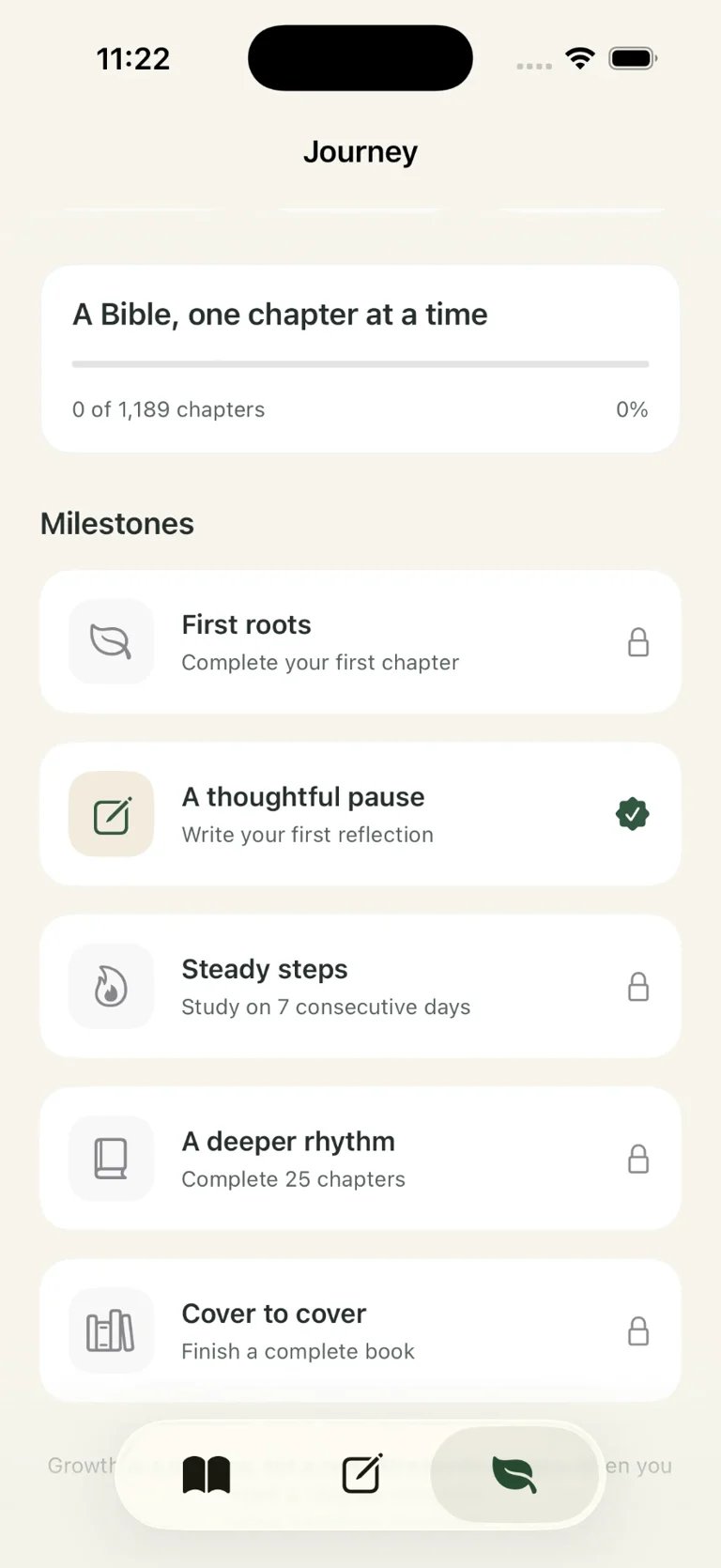
Save reflections and favorites, track reading progress, and recognize milestones. Continue your study at your own pace.
Adjust Scripture text size, choose Auto, Light or Dark mode, and find your setting in Garden, Ocean, Parchment or Minimal.
How Dove works
Open a chapter.
Select words or verses, or leave nothing selected.
Tap Explain context or Listen.
Save a reflection and continue your study.
Personal by design
No app account, advertising, analytics, or developer-operated cloud journal service. Your journal stays on your device; encrypted exports let you keep your own backups.
Read the privacy policy